
Commesse.Cloud · Features
Customers and opportunities
Connect the work to the customer and keep the thread from negotiation to delivery. Customer records are shared; opportunities follow the sales process all the way to creating the project.
Start for free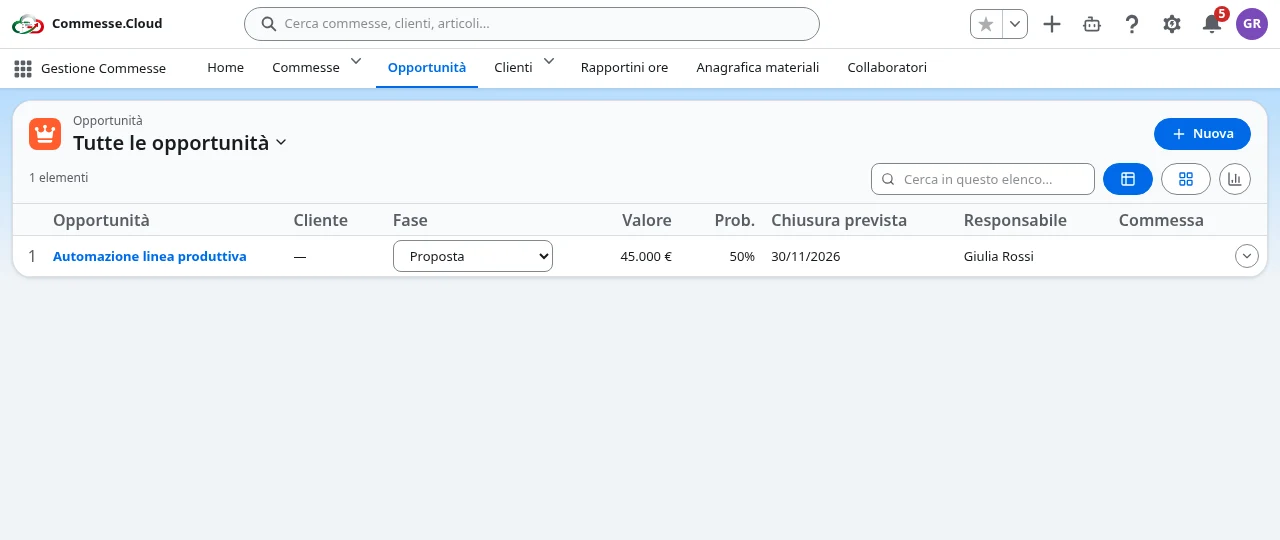
Customers linked to projects
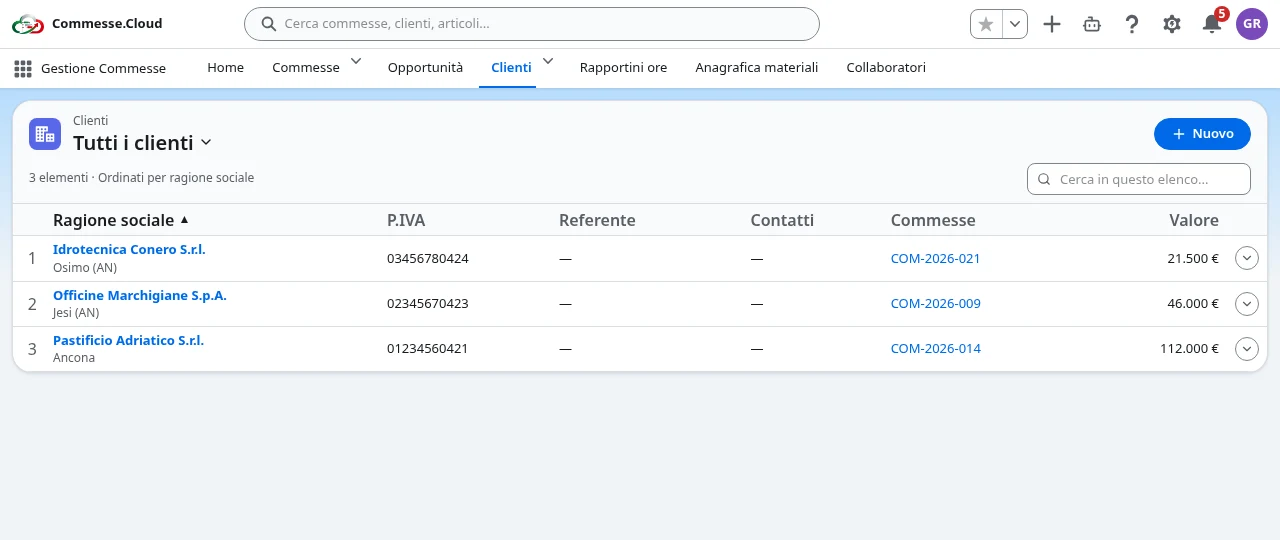
Customers and opportunities in your project
Well-organized customers
Manage company name, VAT number, contacts and references. The customer record lists the linked projects, and you can find customers from the global search.
Pipeline as a table or Kanban
Follow opportunities from prospecting to close with stage, value, probability, owner and expected date. The Kanban view lets you move deals between stages.
From sale to project
Once an opportunity is won, an administrator can convert it into a project and carry on with planning and day-to-day management.
Dedicated sales access
Opportunities are reserved for administrators and sales staff on the PMI and Enterprise plans. Operational roles keep accessing only the projects they are allowed to see.
Step by step
In everyday work
- 1Add the customer and their contact details.
- 2Create the opportunity and update its stage, value and probability.
- 3When the deal is won, create the project and start the work.
Continuity between business development and project management, without re-entering customer details.